What's New in Discs 1.3
Discs 1.3 is out. It adds MP3, can now repair damaged rips, and runs faster on large libraries. Here’s what’s new.
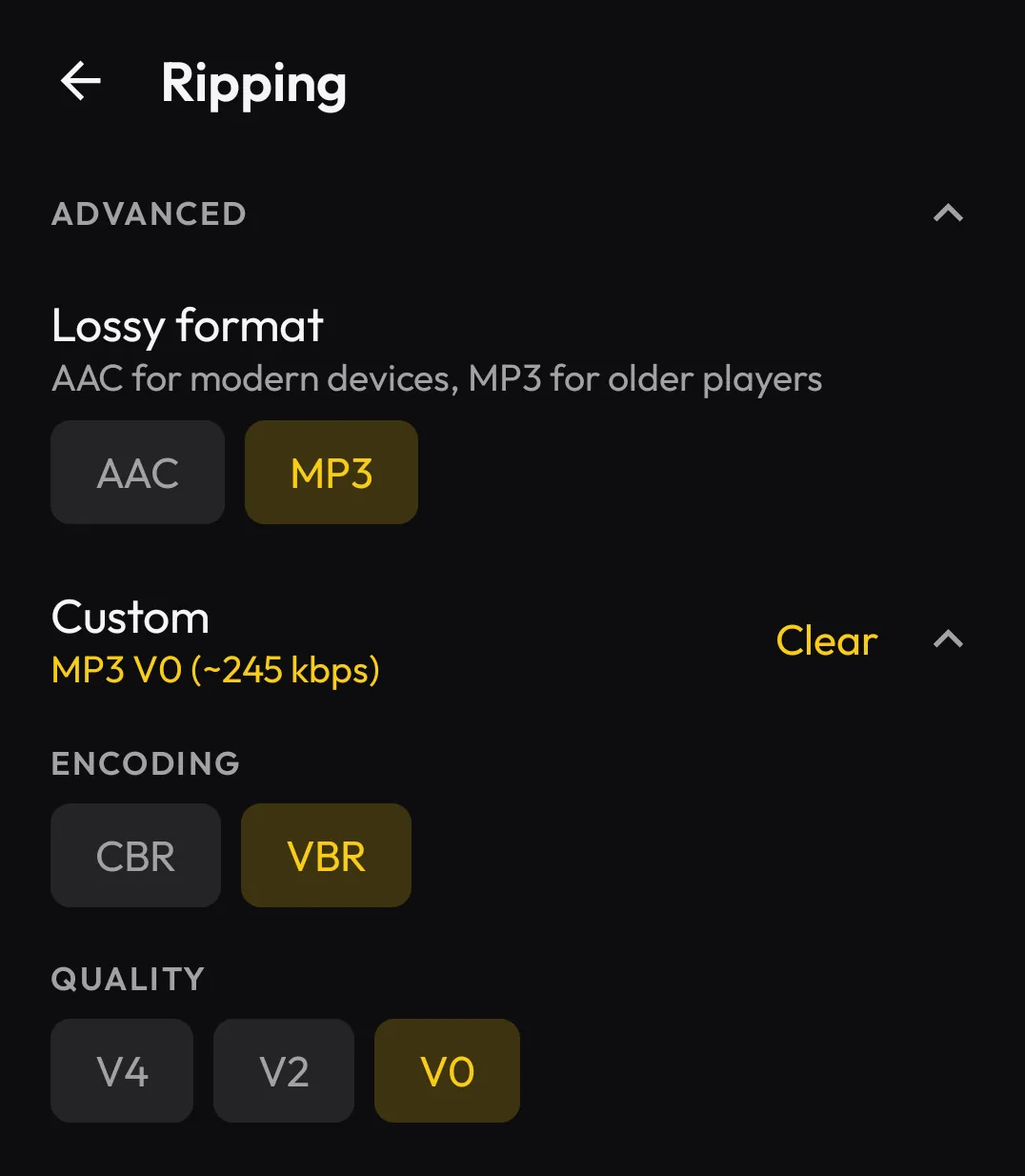
Rip straight to MP3, with encoder settings you control
Discs has always played MP3s and ripped to FLAC and AAC. New in 1.3, it rips to MP3 too. MP3 is the most widely compatible audio format, which helps when you’re putting music on older car stereos or simpler players that don’t handle FLAC or AAC.
There are also new custom encoder settings: choose CBR or VBR and set the quality.
Verify and repair, with CTDB
Discs checks every rip against CTDB, the CueTools Database, a public database of known-good rips. You can see when your copy is verified bit-for-bit accurate against what other people pulled from that exact disc.
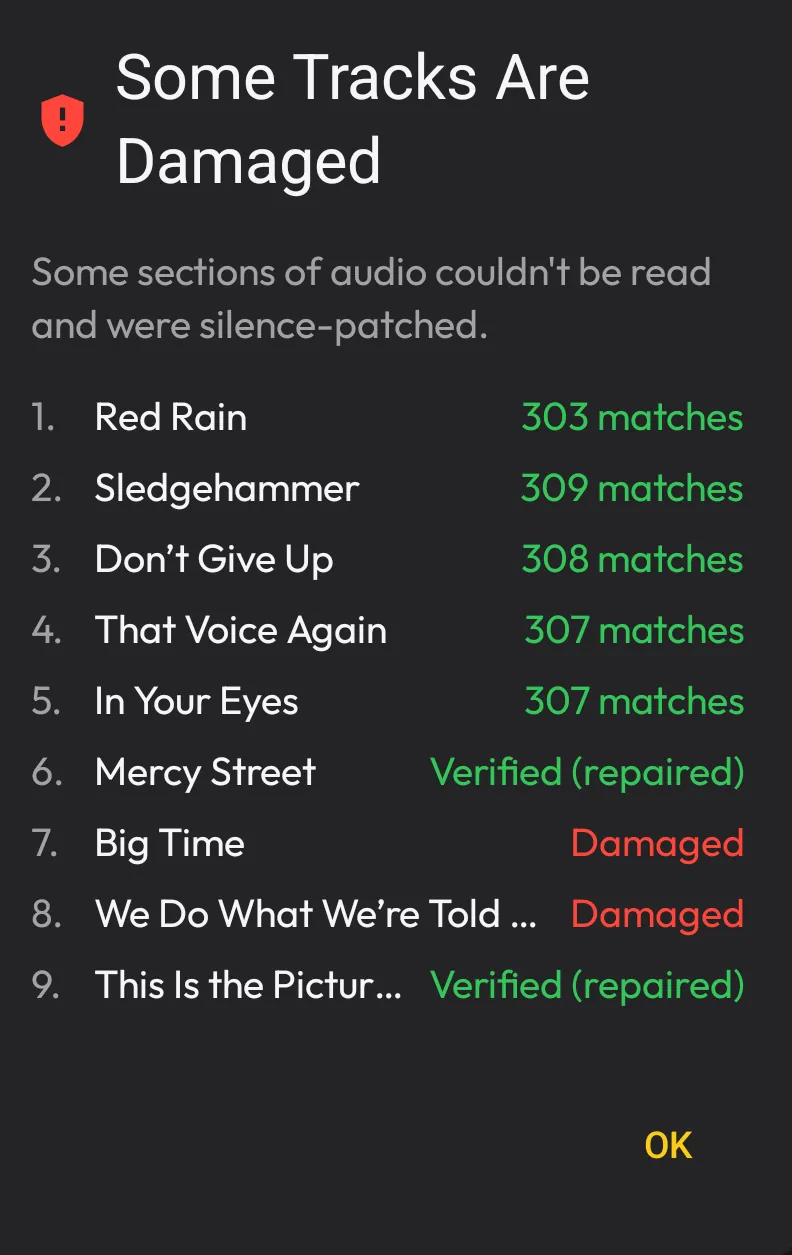
New in 1.3, Discs can also repair. If a disc has small read errors from scratches or age, Discs can often fix them using CTDB, giving you a clean, verified copy without re-ripping or tracking down a cleaner disc.
It has limits. Repair can fix light, scattered errors, but not heavy damage. The disc in the screenshot below is a real example: it has pinhole damage, and repair still brought it from four damaged tracks down to two. The two it couldn’t repair stay marked as damaged, so you always know which tracks came out clean and which didn’t.
A now-playing widget for your home screen
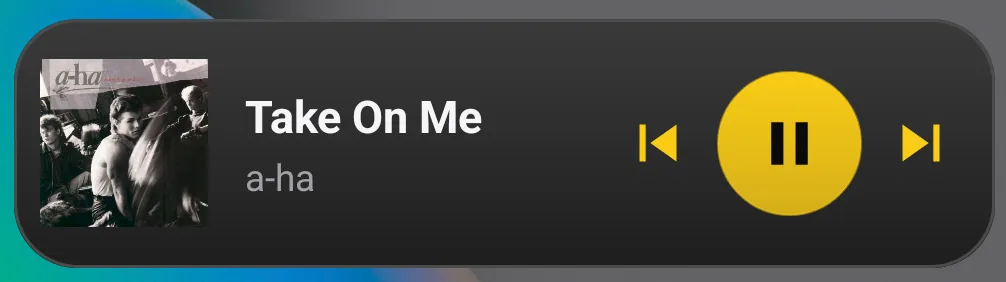
Add the Discs widget to your home screen to see what’s playing and control it from there: album art, play, and pause, without opening the app first.
Player sync hints
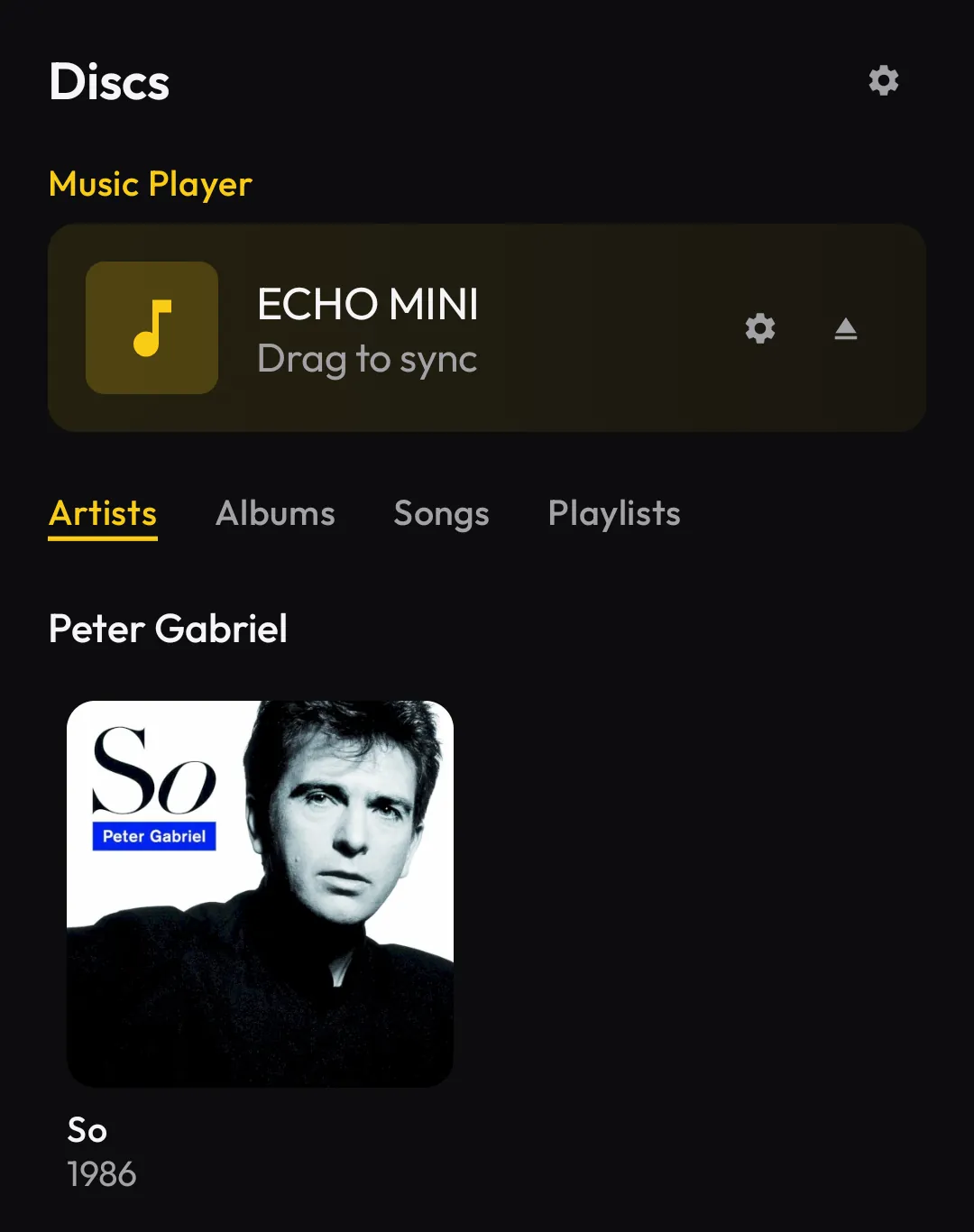
Discs now shows a Drag to sync label on music players, making music sync more visible and easier to understand.
Clearer warnings for unstable rips
Discs now tells you when a drive or cable is causing trouble, not the disc, so a rough rip doesn’t slip by unnoticed. If you run into dropouts or disconnections mid-rip, a USB-C adapter with power passthrough and a 15W or higher charger usually fixes it.

Faster on large libraries
Discs 1.3 is quicker where it counts: browsing large libraries, encoding music, and casting to your speakers.